
Instructions for Computer Certificate Course
Published: 02-08-2026 at 06:22 pm

Working Computer Knowledge Certification Course 2026–27 specially designed किया गया है उन students और working professionals के लिए जो Computer Knowledge को practically सीखना और ek valid certification प्राप्त करना चाहते हैं।
इस course में आपको मिलेगा basic से advanced working-level computer concepts, real-life use cases, practical understanding और exam-oriented preparation, जो banking exams, government exams और private jobs सभी के लिए highly useful है।
Expert faculties आपको step-by-step तरीके से Computer के concepts explain करेंगे, साथ में मिलेगा recorded classes, live test और official certification, जिससे आपकी profile और resume दोनों strong बनेंगी।
यह course खासतौर पर उन candidates के लिए best है जो Computer Knowledge + Certificate एक साथ चाहते हैं।
NASSCOM & ISO CERTIFIED CERTIFICATE
✔ Expert Faculty
✔ Interactive Classes
✔ Recorded Classes (Anytime Access)
✔ Limited Batch Size
✔ Working-Level Computer Training
✔ Computer Knowledge Certificate
Computer: Dheerendra Pratap Sir (10+ years of experience)
📹 Mode: Recorded Classes
📝 Test: LIVE
🏆 Certification Date: 01 August 2026
Banking & Govt Exam Aspirants
Students needing a Computer Certificate
Job seekers (Private / Govt)
Beginners in Computer Knowledge
Candidates preparing for 2026–27 exams
COURSE VALIDITY : 24 MONTHS
THE CERTIFICATE IS VALID FOR LIFETIME AFTER PRINTOUT.
हिंदी:
कंप्यूटर सर्टिफिकेशन कोर्स खरीदने के बाद सबसे पहले सभी रिकॉर्डेड लेक्चर्स देखें। लेक्चर्स पूरे करने के बाद ऑनलाइन टेस्ट दें। अपने स्कोर को बेहतर करने के लिए आप टेस्ट को दोबारा भी दे सकते हैं।
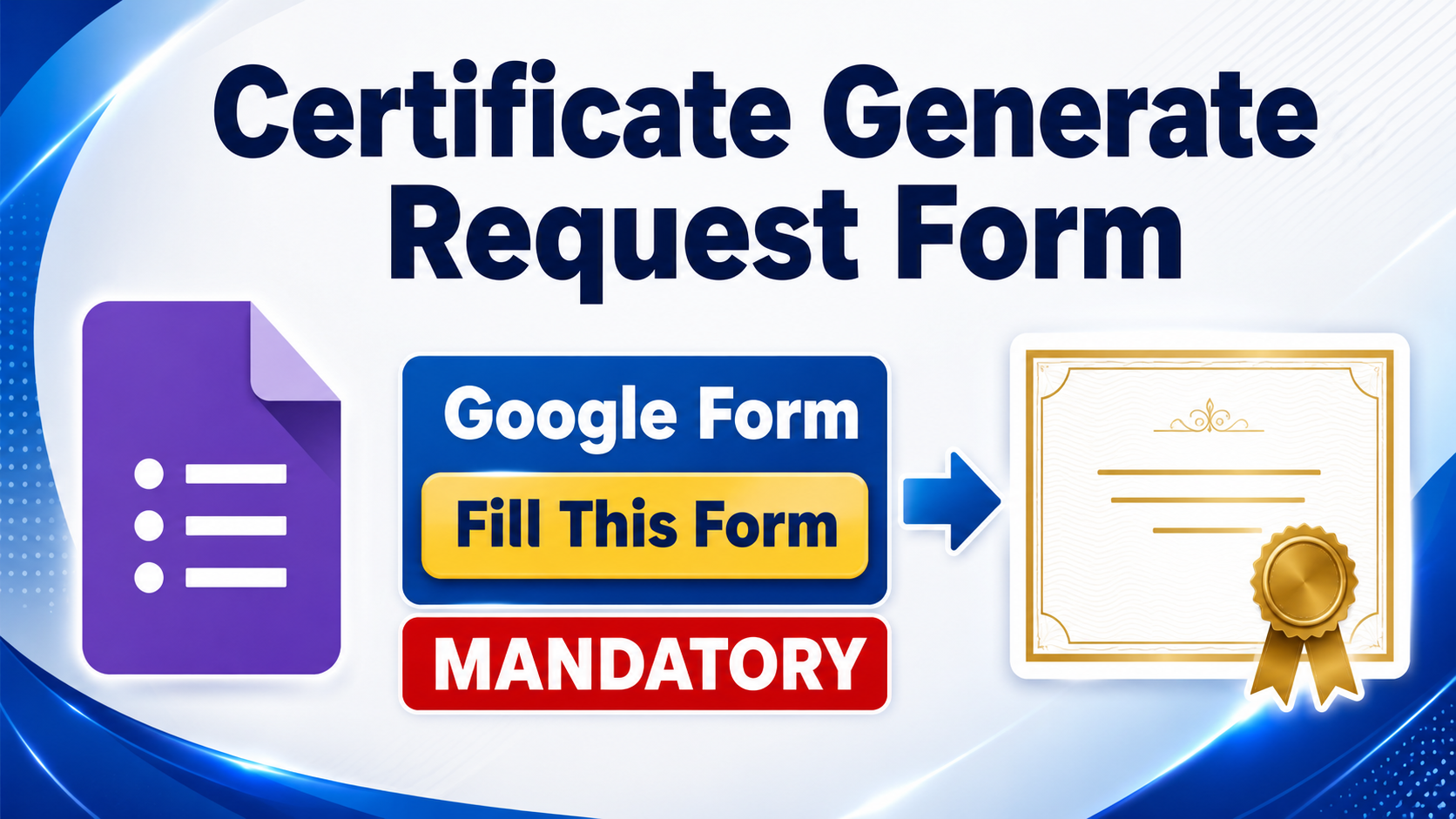
जब आप अपने फाइनल स्कोर से संतुष्ट हो जाएँ, तो Content tab में जाएँ और वहाँ दिए गए Google Form “Certificate Generate Request Form Fill this Form (Mandatory)” को भरें। Google Form में अपना सही नाम और सक्रिय ईमेल आईडी दर्ज करें। आपका सर्टिफिकेट इसी Google Form में दी गई ईमेल आईडी पर भेजा जाएगा।
सर्टिफिकेट 10 सितंबर, 20 सितंबर और 30 सितंबर को अलग-अलग बैच में भेजे जाएँगे। Course, Test और Mandatory Google Form की प्रक्रिया पूरी करने के बाद आपका सर्टिफिकेट अगली निर्धारित Certificate Distribution Date पर भेजा जाएगा।
Step 1: कोर्स खरीदें और सभी रिकॉर्डेड लेक्चर्स देखें।
Step 2: सभी लेक्चर्स पूरे करने के बाद ऑनलाइन टेस्ट दें।
Step 3: बेहतर स्कोर के लिए आवश्यकता होने पर टेस्ट दोबारा दें — Reattempt की सुविधा उपलब्ध है।
Step 4: अपने फाइनल स्कोर से संतुष्ट होने के बाद Content tab में जाएँ।
Step 5: वहाँ उपलब्ध Google Form “Certificate Generate Request Form Fill this Form (Mandatory)” खोलें।
Step 6: Google Form में अपना सही नाम और सक्रिय ईमेल आईडी दर्ज करके उसे Submit करें।
Step 7: अगली निर्धारित तारीख — 10 सितंबर, 20 सितंबर या 30 सितंबर — को अपना सर्टिफिकेट ईमेल पर प्राप्त करें।
सर्टिफिकेट जनरेट करवाने के लिए Content tab में उपलब्ध Google Form “Certificate Generate Request Form Fill this Form (Mandatory)” भरना और Submit करना अनिवार्य है। यदि यह Google Form Submit नहीं किया गया है, तो आपका सर्टिफिकेट जनरेट या भेजा नहीं जाएगा।
सर्टिफिकेट का इंतजार करते समय कृपया अपने Inbox, Spam और Promotions folders अवश्य चेक करें।
English:
After purchasing the Computer Certification Course, first watch all the recorded lectures. Once you have completed the lectures, attempt the online test. You may reattempt the test if you wish to improve your score.
Once you are satisfied with your final score, go to the Content tab and open the Google Form named “Certificate Generate Request Form Fill this Form (Mandatory)”. Enter your correct name and active email address in the Google Form. Your certificate will be sent to the email address entered in this form.
Certificates will be sent in batches on 10 September, 20 September, and 30 September. After completing the course, test, and mandatory Google Form, your certificate will be sent on the next scheduled certificate distribution date.
Step 1: Purchase the course and watch all the recorded lectures.
Step 2: Complete all the lectures and attempt the online test.
Step 3: Reattempt the test to improve your score, if required.
Step 4: Once you are satisfied with your final score, go to the Content tab.
Step 5: Open the Google Form “Certificate Generate Request Form Fill this Form (Mandatory)” available there.
Step 6: Enter your correct name and active email address and submit the Google Form.
Step 7: Receive your certificate through email on the next scheduled distribution date — 10 September, 20 September, or 30 September.
Filling out and submitting the Google Form “Certificate Generate Request Form Fill this Form (Mandatory)” available in the Content tab is compulsory for certificate generation. If you do not submit this Google Form, your certificate will not be generated or sent.
While waiting for your certificate, please check your Inbox, Spam, and Promotions folders.

Or pick one below
10% off
₹500